


L3.5
Zone Boundary Protection
In most plants, the control network and the office network are connected by a single link that was added years ago to send reports to the business. Often no one owns it, its rules have only ever been added to, and a threat on the office network can reach the process.
Where this sits
- L4Enterprise network
- L3.5DMZ
- L3Operations
- L2Supervisory
- L1Control
- L0Process
What we install
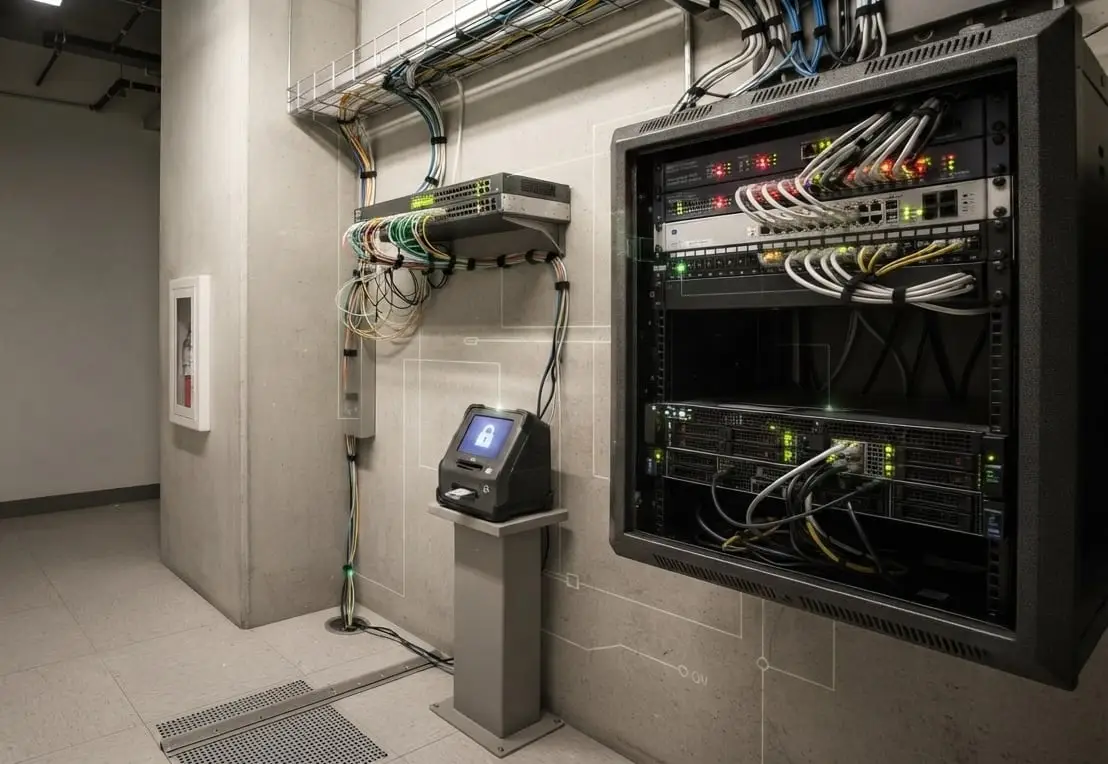
We install an industrial firewall at the boundary, configured to allow only the traffic your process needs. Where data should only flow out of the plant, we install a data diode. It has no return path in hardware, so the restriction cannot be relaxed later.
What is included
- A zone and conduit design, documented and agreed before anything is purchased
- An industrial firewall that understands the protocols your plant uses
- Hardware data diodes wherever data should flow in one direction only
- Firewall rules based on a recording of your own traffic
- Testing to demonstrate that the return path is closed
Where it sits
- L4Enterprise networkBusiness systems, email, the internet
- L3.5DMZWhere this sits
- L3OperationsHistorians, domain services, engineering
- L2SupervisorySCADA servers and operator stations
- L1ControlPLC and DCS controllers, safety systems
- L0ProcessInstruments and final elements
This solution sits at L3.5, between the plant and the business network. Nothing below it is changed or restarted.
How it is installed
The steps we follow
- 01
We record the traffic that currently crosses the boundary, using a copy of the traffic. Nothing is blocked during this stage.
- 02
Zones and conduits are designed and agreed with your team before anything is ordered.
- 03
The new boundary is built and tested alongside the existing link.
- 04
Traffic is moved across at a time chosen by your operations team, with the old path still available.
- 05
We demonstrate that the return path is closed and provide the test evidence.
What this solution is not
Not an office firewall.
Office firewalls do not understand industrial protocols, so they either block process traffic or allow all of it through. Neither provides protection.
Not a replacement for an asset inventory.
A boundary controls what crosses it. It cannot show what is already on the network behind it, which requires a separate service.