


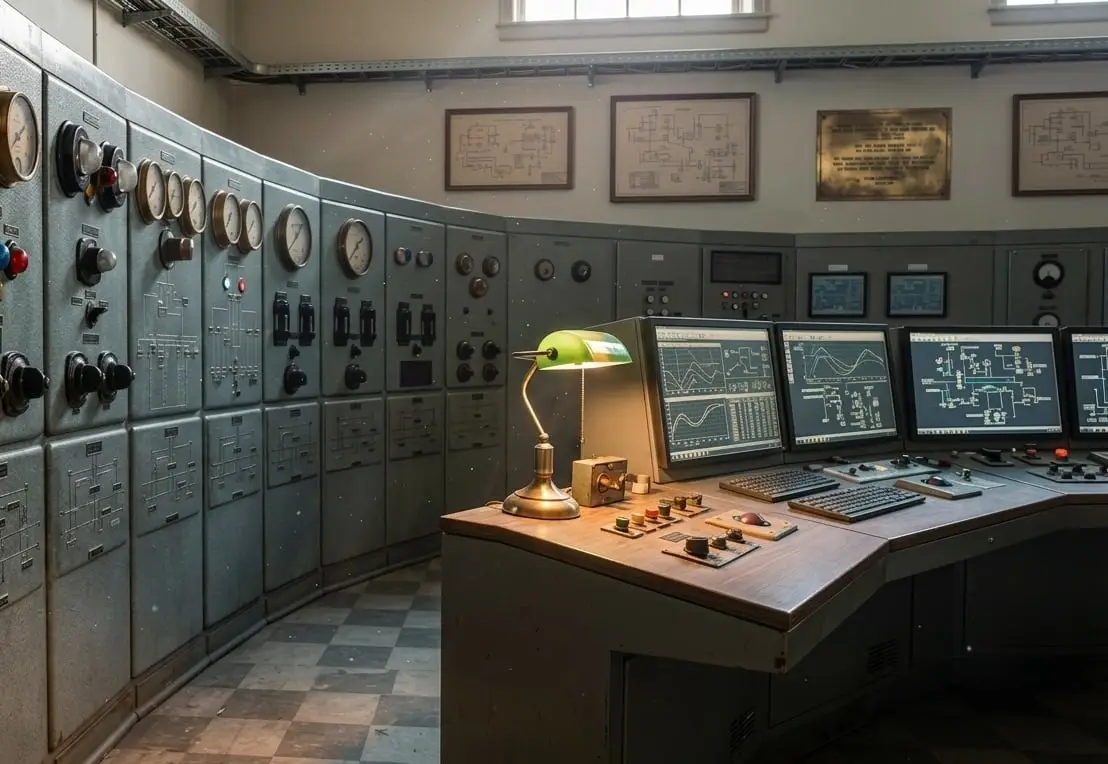
L3 and L2
Endpoint Security
HMIs and engineering workstations are standard computers doing critical work. They often run older operating systems approved by the control system vendor, and standard office antivirus can disrupt them and stop the process.
Where this sits
- L4Enterprise network
- L3.5DMZ
- L3Operations
- L2Supervisory
- L1Control
- L0Process
What we install
We install protection designed for control systems and check it against your control system vendor’s support terms before it is installed on any live computer. Where a computer cannot run protection software, we control what is allowed to connect to it.
What is included
- Endpoint protection designed for control systems
- Application allow listing, so each computer runs only approved software
- Device control, so unknown USB drives and devices are blocked
- A written check against your control system vendor’s support terms before installation
- A tested rollback procedure, so any computer can be restored to its previous state
Where it sits
- L4Enterprise networkBusiness systems, email, the internet
- L3.5DMZBetween the plant and the business
- L3OperationsWhere this sits
- L2SupervisoryWhere this sits
- L1ControlPLC and DCS controllers, safety systems
- L0ProcessInstruments and final elements
This solution is installed on the computers themselves, at L2 and L3. Because of this, we do not install it until your control system vendor has approved it.
How it is installed
The steps we follow
- 01
We list the computers, the software on each one and what your control system vendor supports.
- 02
The protection policy is written and agreed, including the approach for computers that cannot run protection software.
- 03
The software is first installed on a computer that is not in service and monitored until it has proven stable.
- 04
It is then rolled out one computer at a time, at times chosen by your operations team.
- 05
Each computer is checked after installation and the result is recorded.
What this solution is not
Not office antivirus.
Office antivirus updates and quarantines files without warning, which is not acceptable on a computer running a process.
Not a risk to your vendor support.
If your control system vendor will not support a computer with the protection installed, we do not install it. This is confirmed in writing beforehand.